
I embarked on a journey into the financial markets a few months ago. For many years, I wanted to learn more about investing and trading but I never really committed.
But a few months into an unplanned sabbatical, I got bored enough and decided it was time to jump into the finance territory.
I typically jump into new topics of interest with full might, so this was no exception.
100 YouTube videos, 50 Tiktoks, and 75 Subreddits later (ignore the guesswork stats), I realized I needed to build a trading dashboard to do this thing properly.
So, here are some lessons I have learned about building a trading dashboard (and building web apps in general) in 2026.
The Setup
Before we get to the lessons, let’s start with my setup. The tools and methods I used.
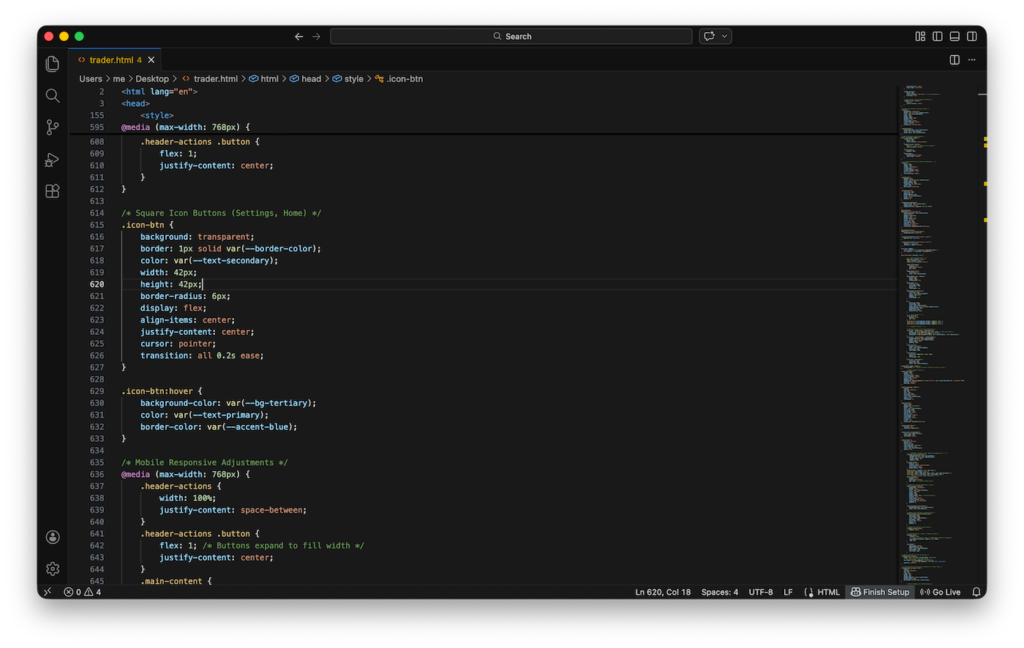
1. Visual Studio Code for Code Edits
I am no software engineer, but I realized quickly that as the app got bigger; I needed to manage the code efficiently.
2. Google Gemini (Studio)
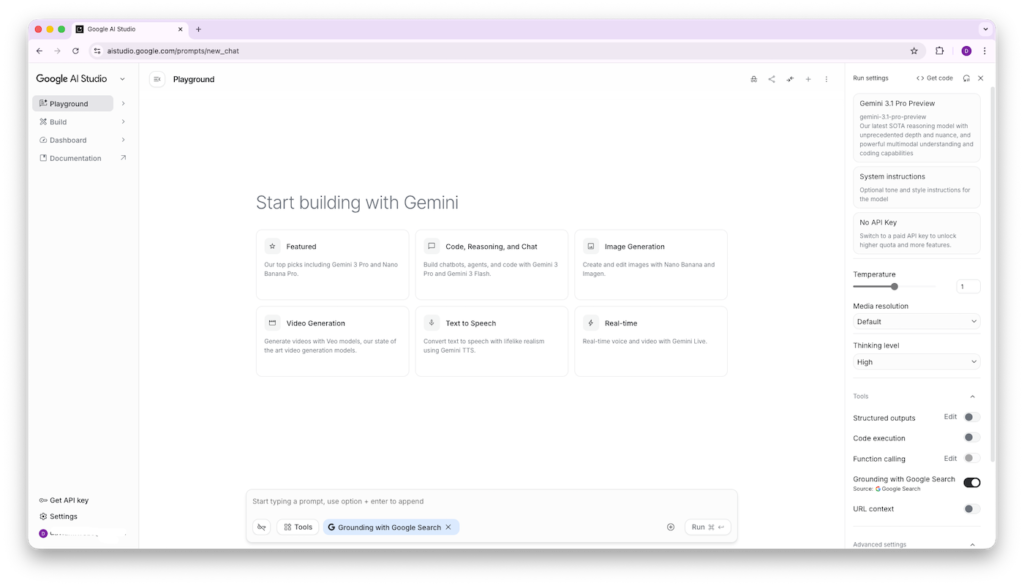
Gemini studio is one of the leading tools for code generation. Last year, it was the only tool that could handle thousands of lines of code without hiccups.
3. Vanilla Javascript
Being the only browser-native language, javascript was the no-brainer go-to for building my single file app.
The Initial Build
Before I started building, i had identified some core features I wanted for an efficient trading journey:
1. A simple way to log my trades and move from pen and paper journaling
2. Ability to import and export my trading data
3. Automated reports and analytics
4. A dashboard to quickly access different app features
Version 1.0
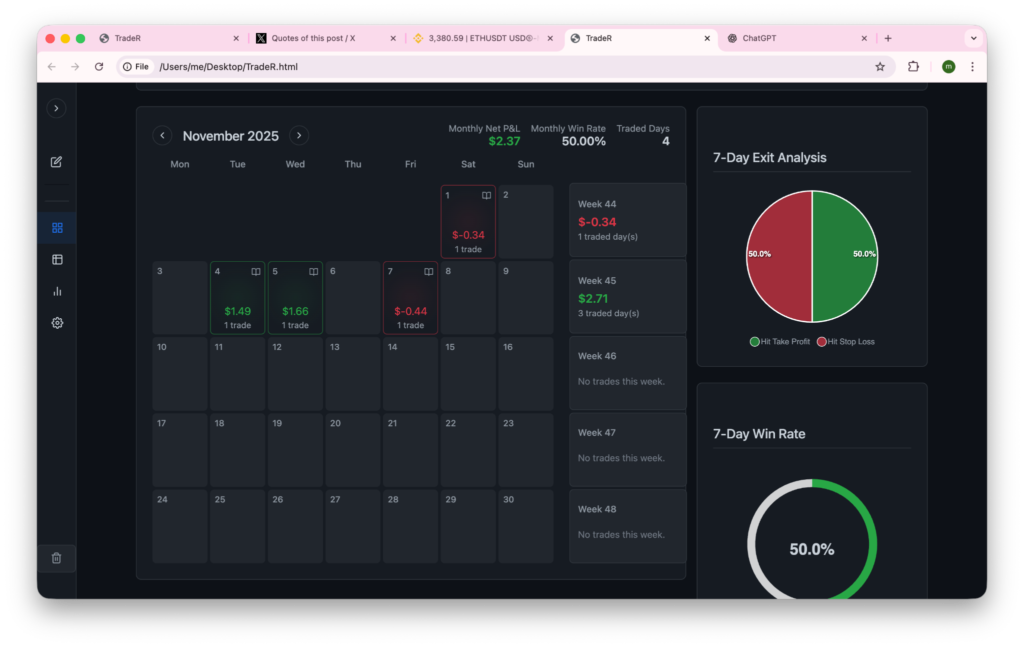
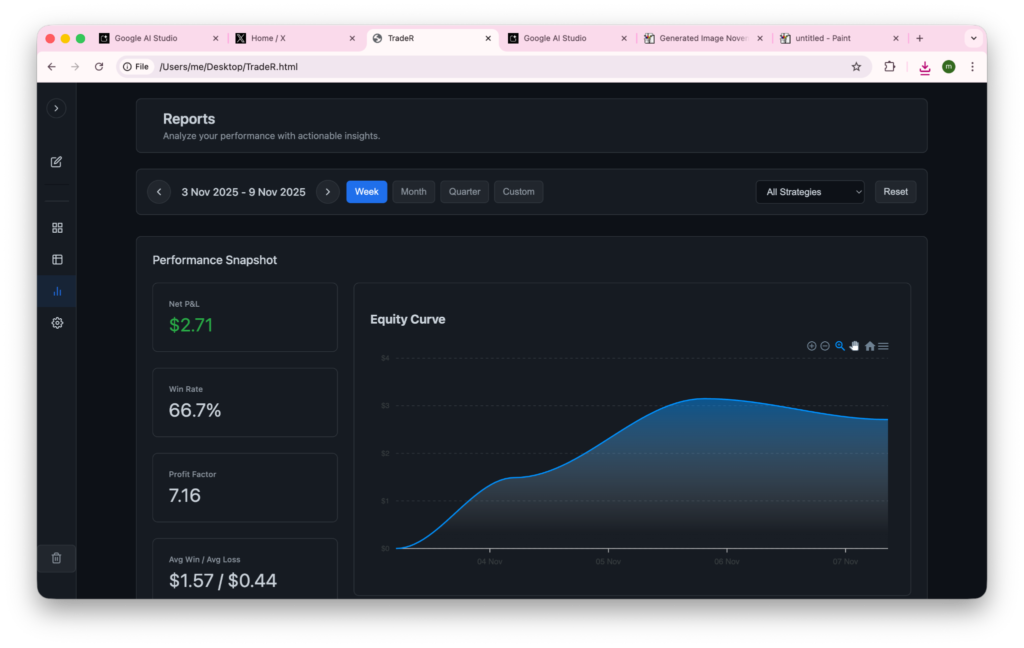
With the goals in mind, I started my collaboration with Gemini Studio and came up with a 4-page app. A settings page, and 3 other pages including:
1. The Dashboard
2. The Reports Page
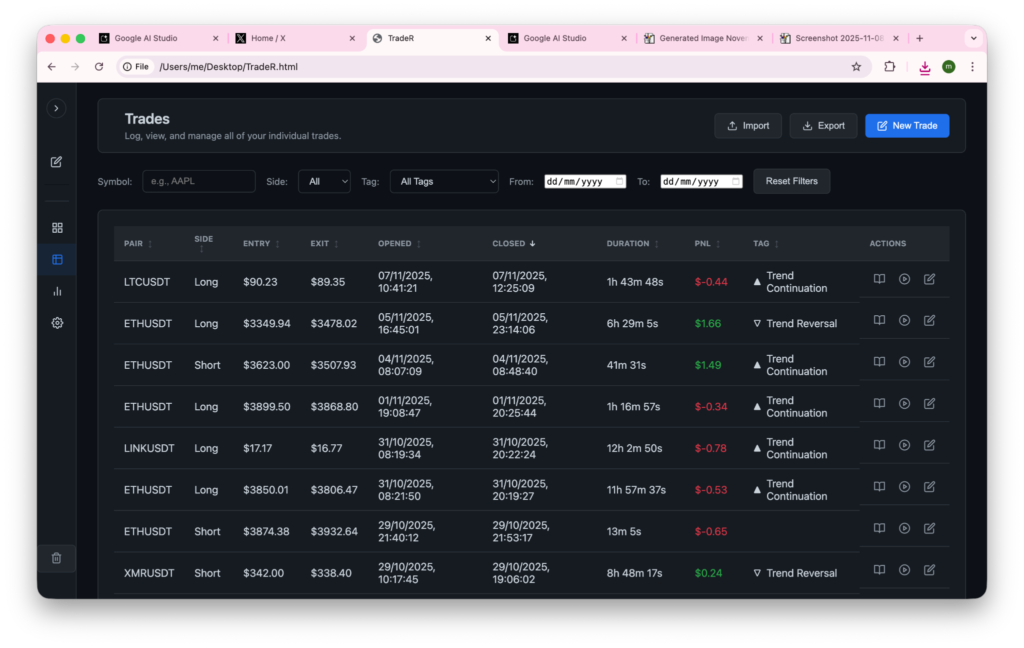
3. The Log Page
The Lessons I Learned
A few months later, I am still building the app. Here are some of the lessons I have learned:
1. One-shotting a fully-functional app is still a myth
Tools like Claude and Gemini are phenomenal at code generation. You can definitely build a prototype dashboard or web app in one shot. The deeper mechanics, however, will take more than typing a few prompts.
I had to refresh my javascript knowledge to make my trading dashboard functional. So, if you are afraid of messing with functions and constants inside VS code, the code generators will leave you frustrated.
2. A build is never truly complete
From new features and new bugs, it’s almost impossible to ship a truly finished product. My journey has made me realize that constant maintenance makes great apps.
Among the things that have become part of my daily routine include:
- Revamping UI multiple times
- Adding new features to match competitors in the market
- Discovering bugs and fixing them
3. One file is a feature not a limitation
My entire trading dashboard lives in a single HTML file. No build steps, no dependencies, no works on my machine problems.
The constraint forces clarity and makes every code editing session faster because there is only one place to look.
I believe there will be a lot of one file apps and dashboards on most people’s desktops within a few months.
The Current Build
I still continue to build and learn lessons. What started as a simple journal has grown to become a whole market intelligence and analytics web app.
Some of the features I currently have on the app include:
Trading App Features
- Smart Paste raw text from exchange for closed and limit orders
- 100% privacy-focused trading dashboard with replay engine
- Modular design with widgets, smart links, and templates
- Missed trades scanning, tagging, and logging algorithm
- Captured trades chart overlay on top of missed trades
- Automatic position size and risk reward calculator
- Market intelligence and auto-pilot bias engine
- Execution and performance reports, etc.
Engines and Automations
– Pre-trade Engine – CPU automation tells you the market bias and levels
– Post-trade Engine: Grades your execution based on logic; e.g., if you traded news it flags the trade
– End-of-week: CPU finds the opportunities you missed and analyzes vs the ones you took
Continuing the Journey
Will I change the architecture and ship the app? I am not sure yet. For now, I continue to build the local app and use it from my desktop.
In case I do release the app or open source it – you’ll hear about it from this blog. So, be on the lookout.